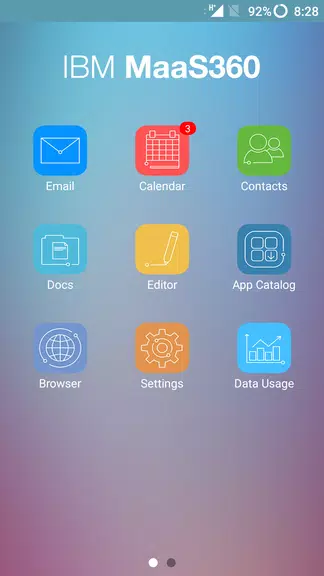
MaaS360 MDM for Android is a robust mobile device management (MDM) solution designed for businesses and organizations to manage and secure Android devices in the workplace. With the rise of Bring Your Own Device (BYOD) and remote work environments, MaaS360 offers an intuitive platform that helps IT administrators ensure data security, enforce policies, and manage devices remotely. It provides seamless integration with existing systems, allowing businesses to monitor devices, protect sensitive information, and ensure compliance with corporate policies—all from a single interface. Whether you're managing a few devices or an entire fleet, MaaS360 is built to scale to your organization's needs.
Features of MaaS360 MDM for Android:
1. Device Enrollment and Configuration: MaaS360 simplifies the enrollment process, allowing devices to be automatically configured with corporate settings and policies as soon as they are added. This feature streamlines device onboarding, making it quick and easy for employees to start using their devices securely.
2. Remote Device Management: IT administrators can remotely configure, lock, or wipe Android devices from the MaaS360 portal, providing flexibility to manage devices without physical access. This feature is especially useful for organizations with remote teams or multiple office locations.
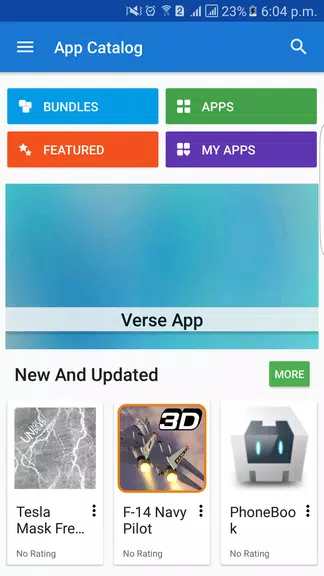
3. App and Content Management: MaaS360 enables the deployment and management of both corporate and third-party apps on Android devices. Admins can remotely install, update, or remove apps, ensuring that all devices are equipped with the necessary tools and software, while restricting unauthorized apps.
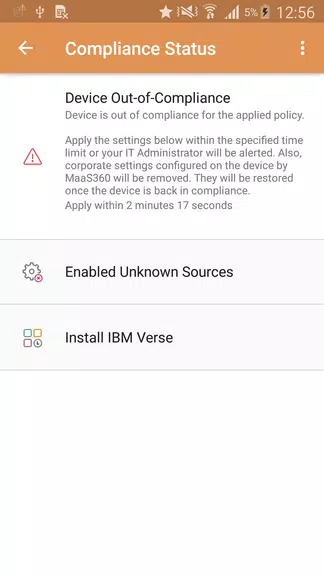
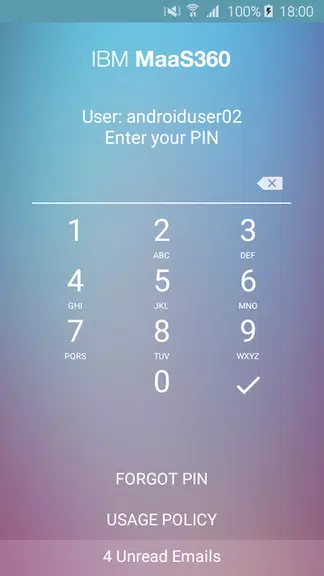
4. Security and Compliance Monitoring: The app provides real-time monitoring of device security, ensuring that each Android device adheres to corporate compliance standards. Features like encryption enforcement, password policies, and secure browsing help mitigate risks related to data breaches and unauthorized access.
5. Detailed Reporting and Analytics: MaaS360 provides in-depth reports and analytics on device usage, security incidents, and app performance. This data helps IT teams make informed decisions, track device health, and identify potential security threats across the organization.
FAQs about MaaS360 MDM for Android:
1. Is MaaS360 MDM for Android suitable for small businesses?
- Yes, MaaS360 is scalable and can be adapted to meet the needs of both small businesses and large enterprises. It offers flexible pricing plans to accommodate organizations of all sizes, providing powerful device management tools at a cost-effective rate for smaller teams.
2. How does MaaS360 ensure data security on Android devices?
- MaaS360 uses advanced encryption, secure app management, and remote wipe capabilities to safeguard sensitive data on Android devices. Additionally, it enforces strict password policies and integrates with corporate VPNs to ensure secure connections when accessing company resources.
3. Does MaaS360 support Android devices from all manufacturers?
- Yes, MaaS360 supports a wide range of Android devices from major manufacturers like Samsung, Google, and LG. It is compatible with most Android versions, though some advanced features may require certain Android OS versions.
4. Can MaaS360 track lost or stolen devices?
- Yes, MaaS360 allows IT administrators to track the location of lost or stolen devices in real-time. It also provides the ability to remotely lock or wipe the device to prevent unauthorized access to company data.
5. Does MaaS360 offer integration with other enterprise systems?
- Yes, MaaS360 integrates seamlessly with other enterprise systems, including email, VPNs, and document management solutions, providing a unified approach to managing devices and securing corporate data.
Conclusion:
MaaS360 MDM for Android is an essential tool for businesses that need to manage and secure Android devices in a professional environment. It is particularly valuable for companies with remote or mobile workforces, offering comprehensive security features, easy device management, and powerful monitoring tools. While it is designed for larger organizations, small businesses can also benefit from its scalability and flexibility. However, companies with very basic mobile management needs might find it more feature-rich than necessary. Overall, MaaS360 excels in providing a reliable and secure mobile device management solution for businesses looking to maintain control over their Android devices.